
How to Choose the Right Graphics Card for AI: NVIDIA, AMD and Intel GPUs Explained
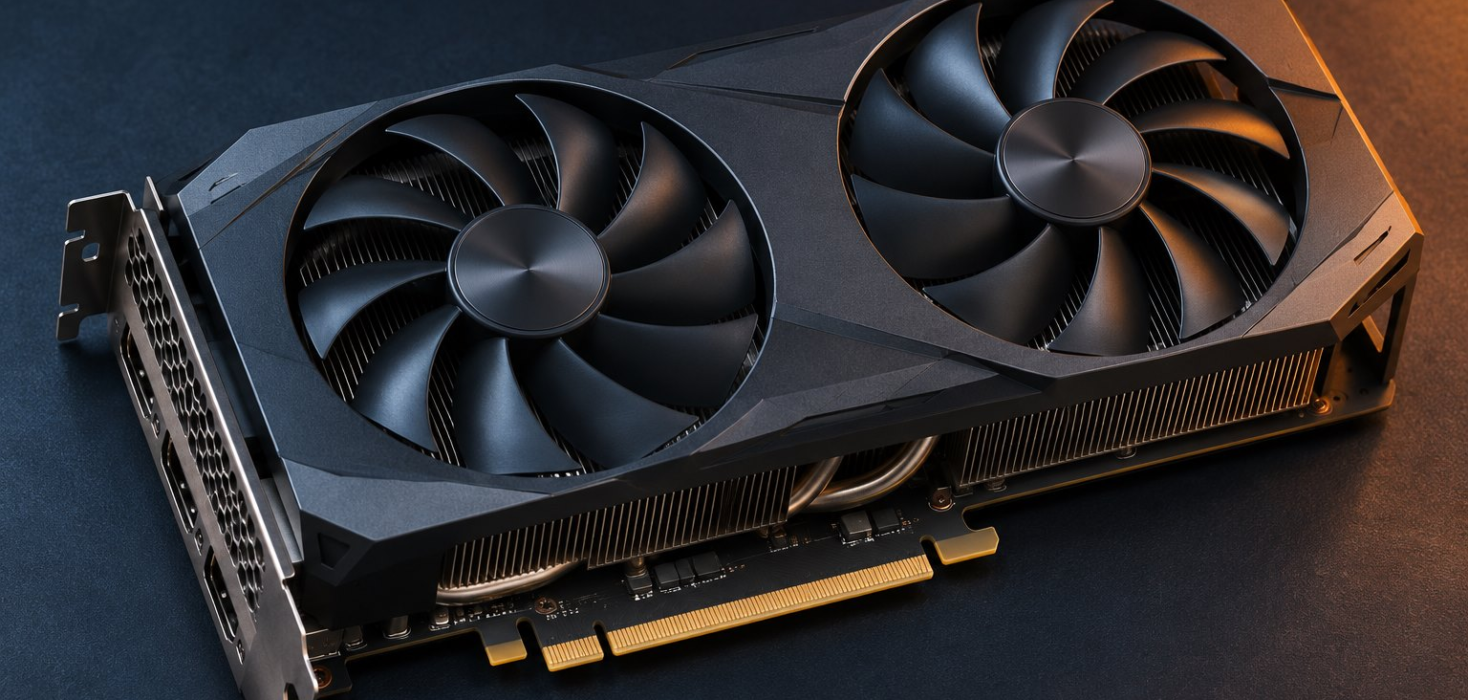
Start with the AI job you plan to run and its software stack. Running a model locally, fine-tuning it and training it from scratch can have very different memory and compute requirements. Save the model name, framework version, operating system and the exact GPU model you are considering.
Check the GPU back end before buying
- NVIDIA CUDA. If the application requires CUDA or a CUDA-only extension, verify that the exact card and driver are supported by that build.
- AMD ROCm. Check the exact GPU and operating system in AMD’s compatibility documentation, then confirm that your framework and any custom extensions support your combination.
- Intel XPU. Check PyTorch’s supported Intel hardware, driver and operating system combinations. Verify that the specific model and operations you need are supported by the version you will deploy.
Use the official PyTorch installation options, NVIDIA CUDA GPU list, AMD ROCm compatibility matrix and PyTorch’s Intel GPU setup guide. GPU vendor support can vary by release and application.
Size memory for the real workload
The model’s weights are only part of GPU memory use. Inference may also need memory for its context and runtime buffers. Training and fine-tuning can add activations, gradients and optimizer state. Test at your intended precision, batch size and context length, with enough room for peak memory. Treat benchmark numbers as meaningful only when their software and test settings match your workload.
Check the workstation and the operating cost
Confirm the case clearance, slot width, power supply and required connectors. Check cooling under sustained workloads and whether your operating system and drivers support the rest of your setup. For occasional jobs, compare a short cloud run with the purchase and operating cost of a local system.
Run a representative test
Install the intended driver and framework on compatible hardware, confirm the software detects the accelerator, and run a representative input. Record peak GPU memory, throughput and errors. If you are also choosing the host system, see How to Choose the Right Computer for Your Needs.